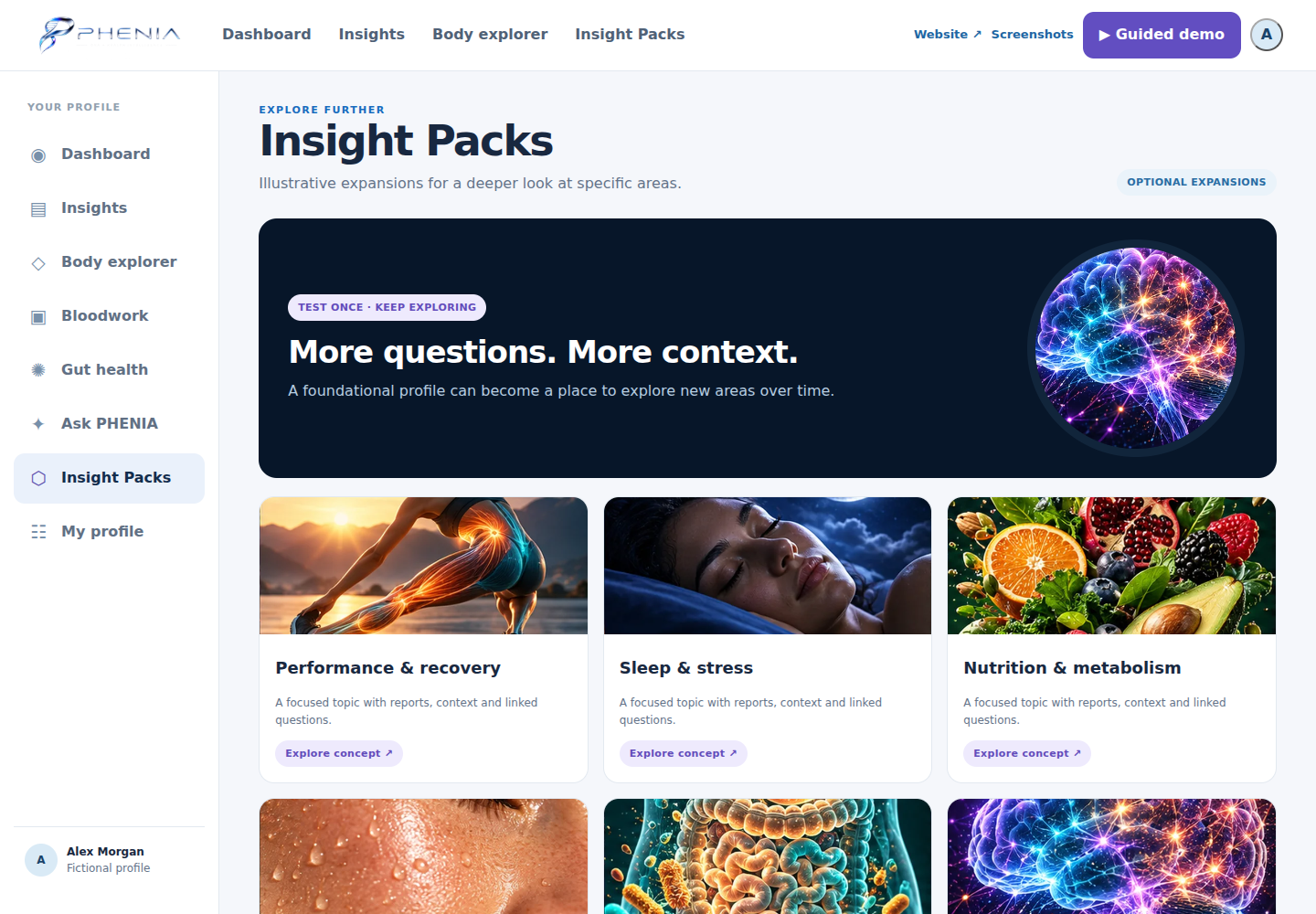
Inside PHENIA
The member experience, in view.
Explore the dashboard, detailed reports and connected areas — then click into the interactive preview.
Explore the platform →Product concept with a fictional profile. Screens illustrate the intended experience; they do not represent real customer results, validated scores or a live AI service.
01 / Product preview
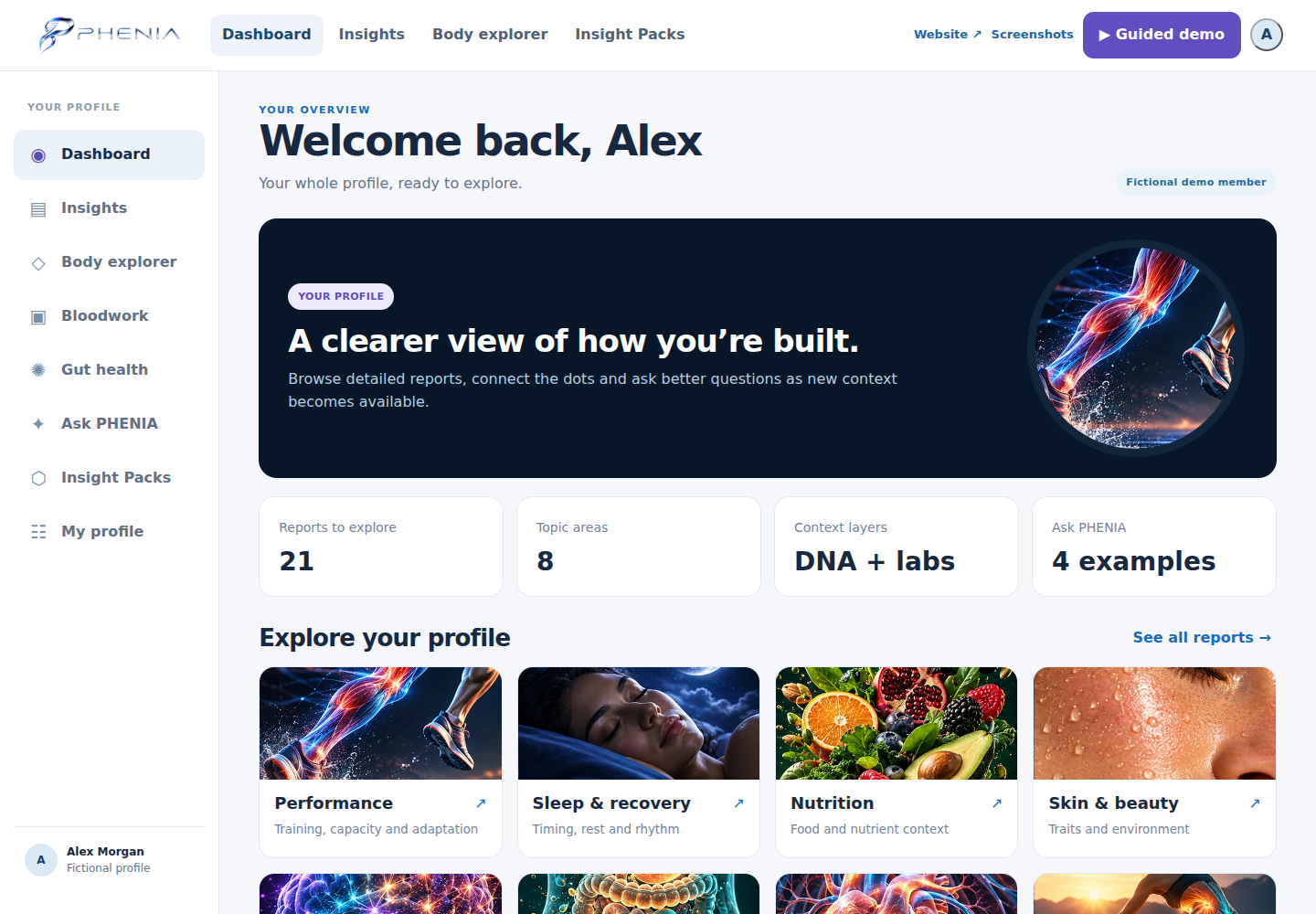
Member dashboard
A connected overview of the fictional profile, report categories and navigation.
02 / Product preview
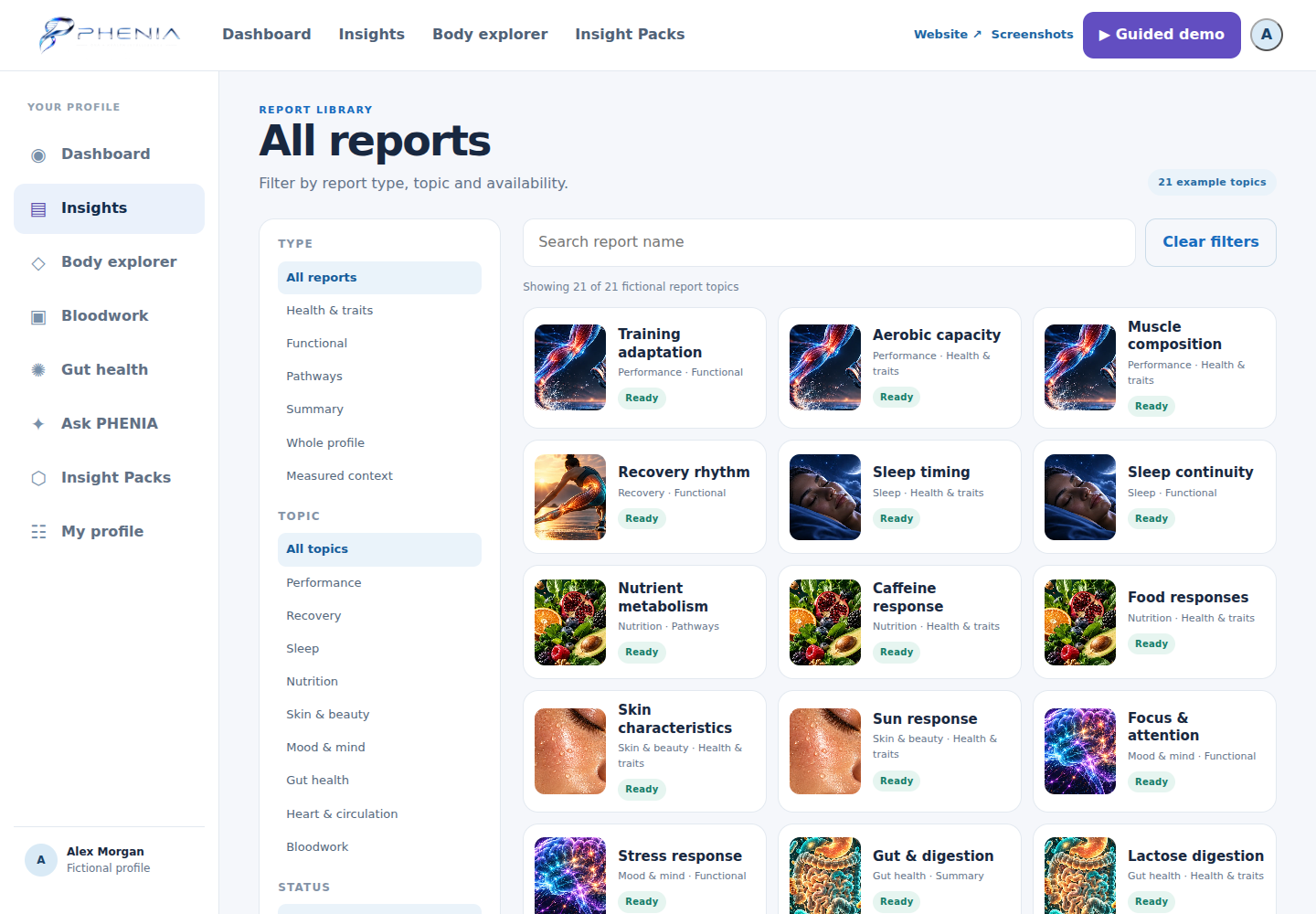
Report library
Browse 21 illustrative reports by topic, type and status.
03 / Product preview
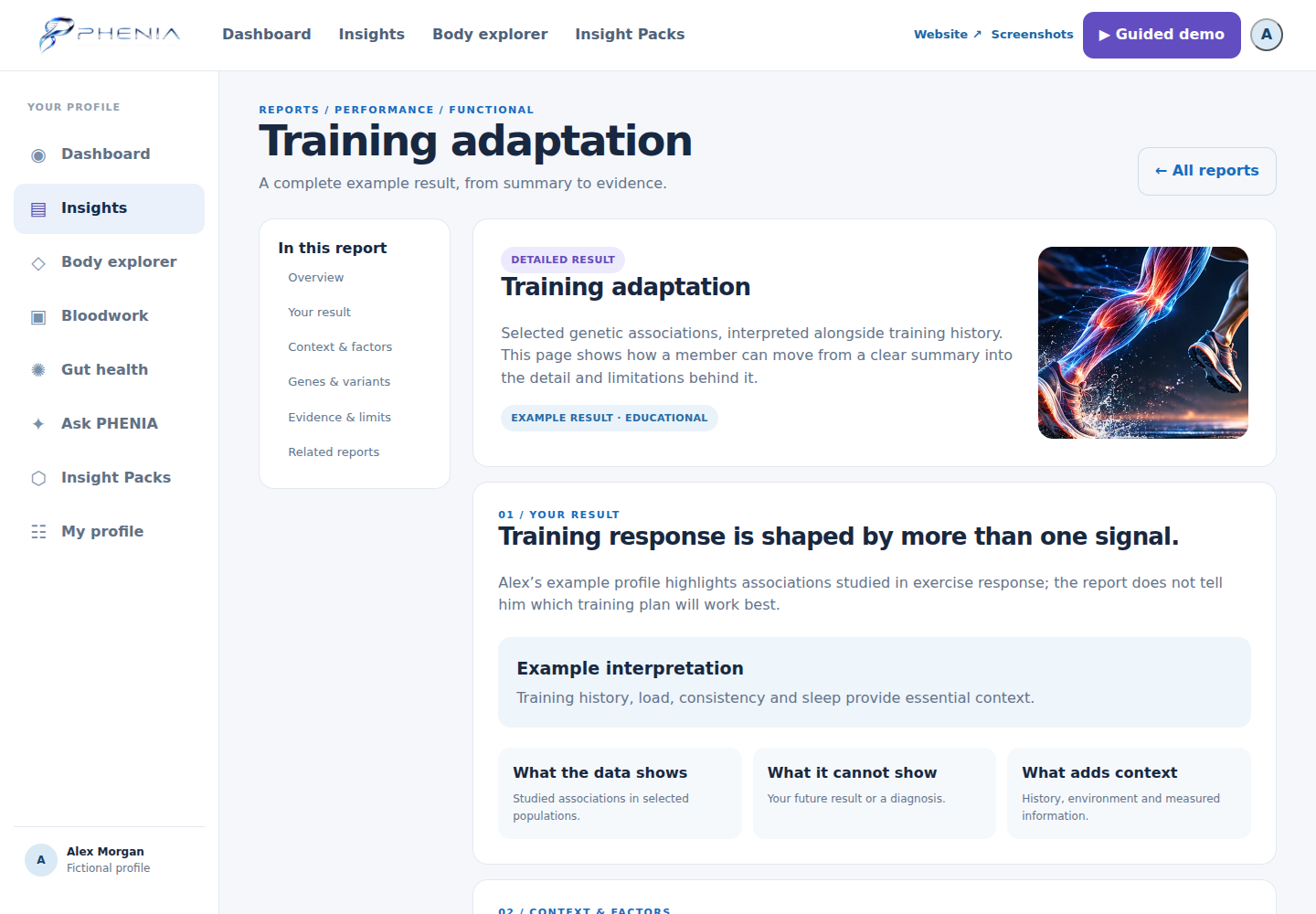
Inside a report
Result summaries, context, example markers and evidence limits.
04 / Product preview
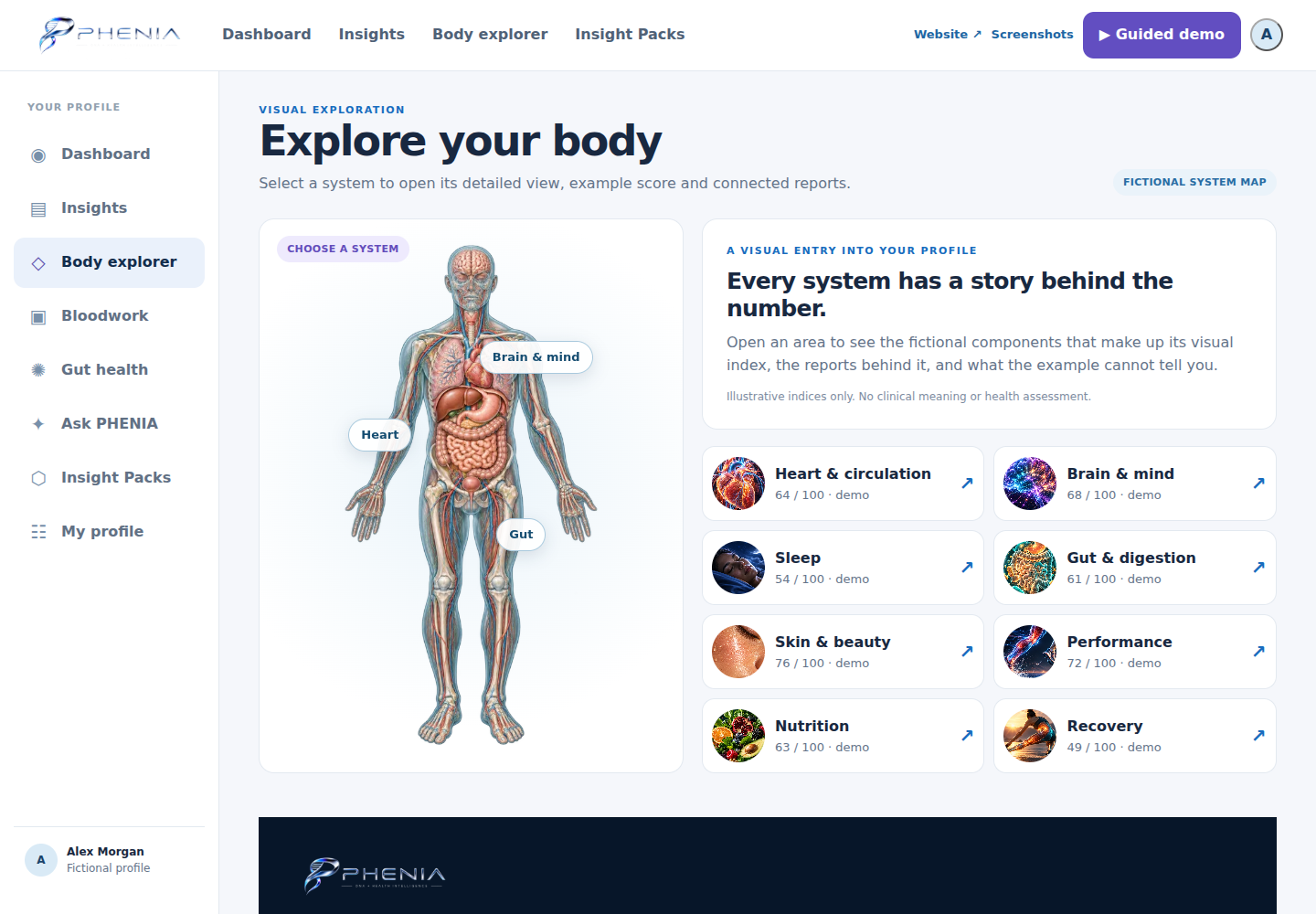
Body explorer
Explore the visual body map and its connected systems.
05 / Product preview
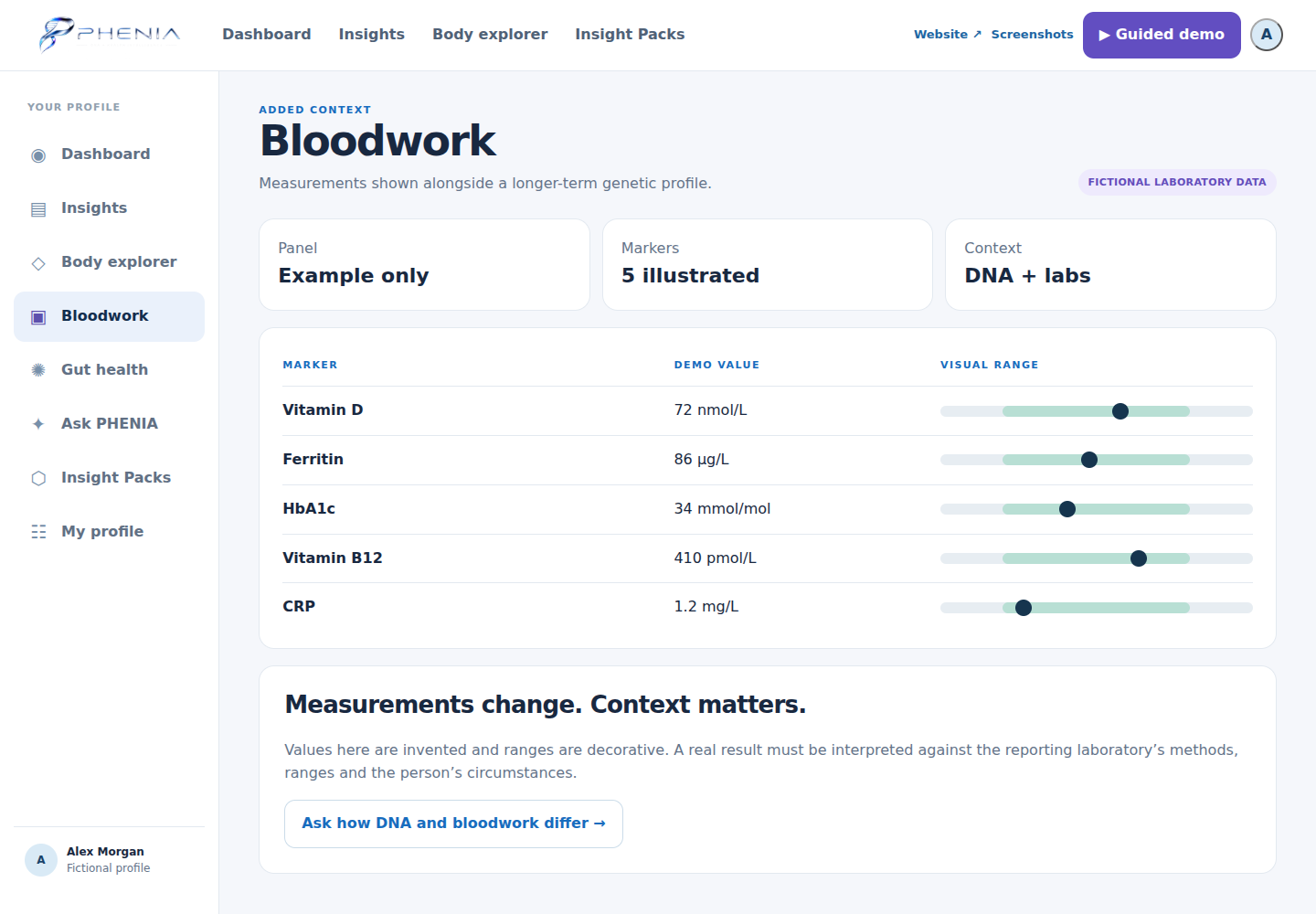
Bloodwork context
A fictional sample panel, clearly separated from genetic reports.
06 / Product preview
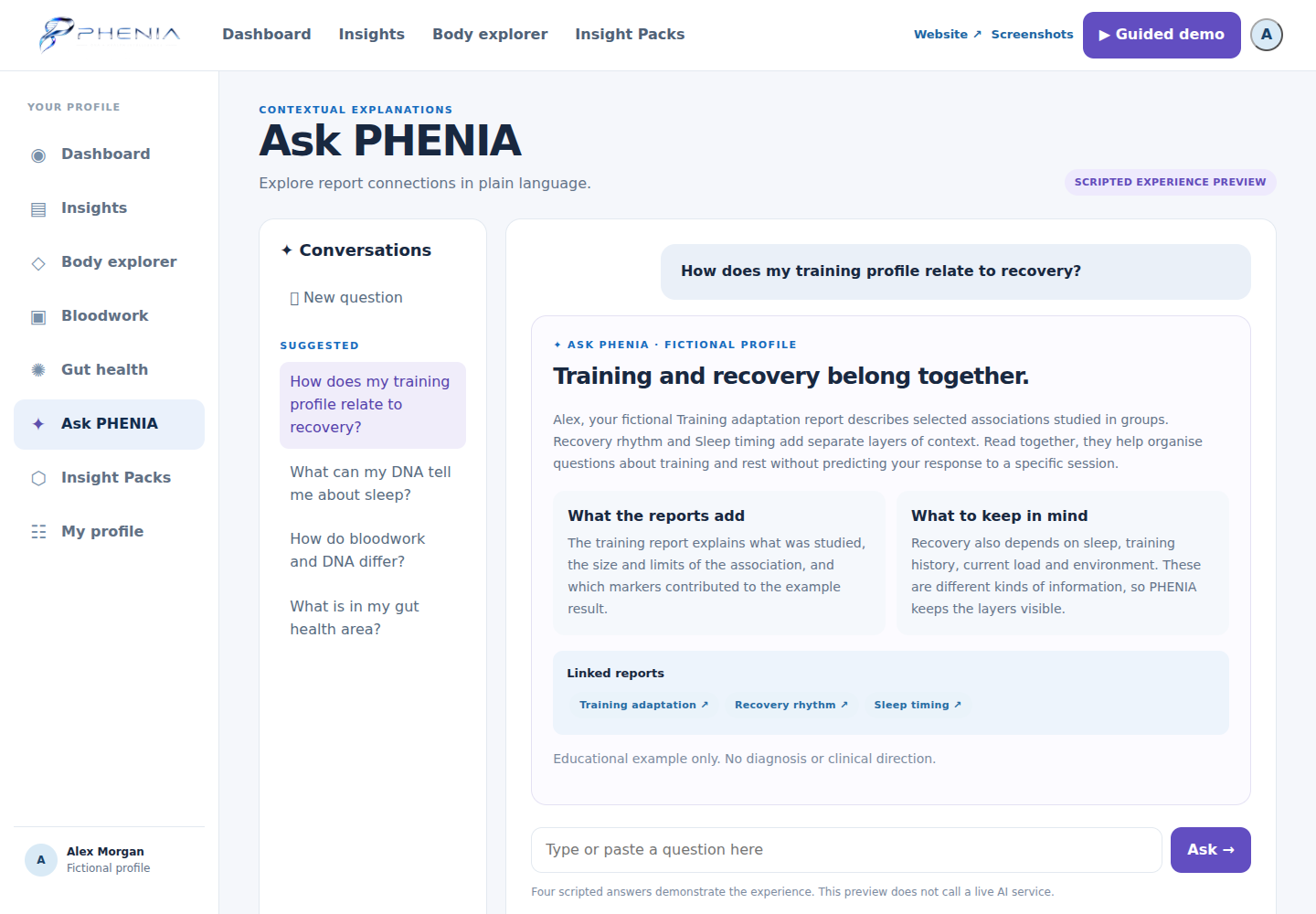
Ask PHENIA
Scripted answers show how explanations can link back to relevant reports.
07 / Product preview
Insight Packs
Explore focused areas and their connected reports.